
A Complete Guide to RTO Online Services (DL, RC, Transfer, Fine Check)
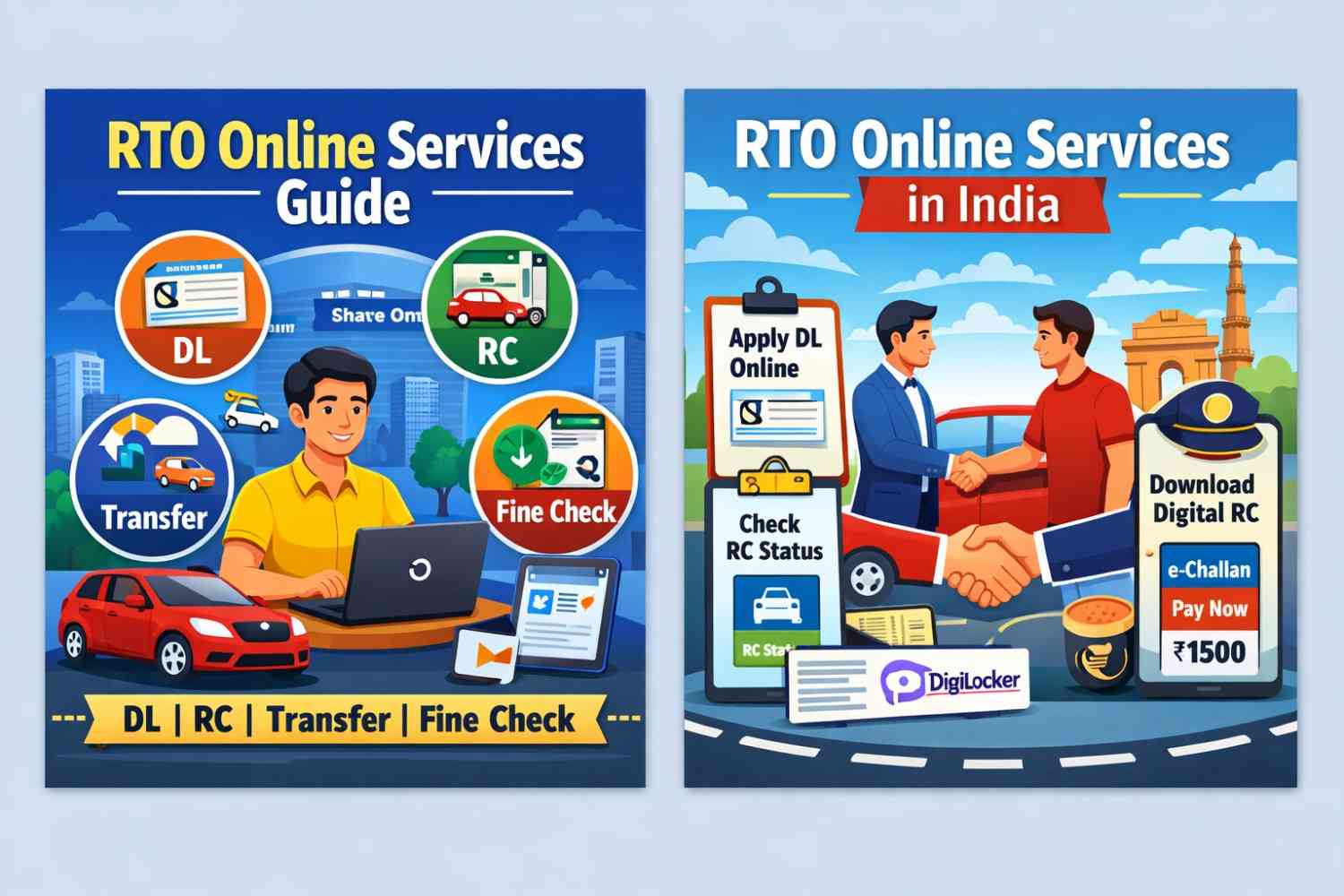
The Regional Transport Office (RTO) in India manages vehicle registration, driving licenses, and traffic rules. Earlier, people had to visit RTO offices and stand in long queues. But now, most RTO services are available online through the official Parivahan Sewa Portal.
In this complete guide, you will learn how to use RTO online services for Driving License (DL), Registration Certificate (RC), vehicle ownership transfer, and traffic fine check.
What is RTO Online Services?
RTO online services are digital services provided by the Ministry of Road Transport & Highways (MoRTH). Citizens can complete vehicle and license-related tasks online without visiting the RTO office.
Official Website: https://parivahan.gov.in
1. Driving License (DL) Online Services
Apply for Learner’s License (LL) Online
You can apply for a Learner’s License online by selecting your state on the Parivahan portal, filling out the form, uploading documents, paying the fee, and booking a test slot.
- Aadhaar Card
- Address Proof
- Passport-size Photo
- Signature
Apply for Permanent Driving License
After 30 days of receiving your Learner’s License, you can apply for a permanent Driving License. You must book a driving test appointment online and visit the RTO for the test.
Driving License Renewal
If your license has expired, you can renew it online by submitting a renewal form and paying the required fee. Keeping your license valid helps you avoid penalties.
Check Driving License Status
Visit the Parivahan website and enter your DL number and date of birth to check application or dispatch status.
2. RC (Registration Certificate) Online Services
Check RC Status Online
You can check vehicle details online by entering your vehicle number on the Parivahan portal.
- Owner Name
- Vehicle Model
- Registration Date
- Insurance Validity
- Pollution Certificate Status
This is especially useful before buying a second-hand vehicle.
Download Digital RC
You can download your RC digitally through DigiLocker or the mParivahan mobile app. Digital RC is legally valid in India.
Update Address in RC
If you move to a new address, you can apply online to update your RC address by uploading proof and paying the required fee.
3. Vehicle Ownership Transfer Online
Ownership transfer is mandatory when buying or selling a used vehicle. If not transferred, the old owner may face legal issues or traffic fines.
Steps to Transfer Vehicle Ownership
- Visit Parivahan portal
- Select Vehicle Related Services
- Enter vehicle number
- Choose Transfer of Ownership
- Upload required documents
- Pay transfer fee
After verification, the RC will be updated in the new owner’s name.
4. Check Traffic Fine Online (e-Challan)
You can check pending traffic fines online through the official e-Challan portal.
Website: https://echallan.parivahan.gov.in
- Enter vehicle number or DL number
- View fine amount
- See violation details
- Pay online using UPI, card, or net banking
Paying fines online helps avoid extra penalties and court visits.
Other Useful RTO Services
- Fancy Number Booking
- Duplicate DL or RC
- Hypothecation Entry/Removal
- Vehicle Fitness Certificate
Benefits of RTO Online Services
- Saves time
- No long queues
- Transparent process
- Secure online payment
- Track application status anytime
Frequently Asked Questions (FAQs)
Is RTO online service available in all states?
Yes, most Indian states are connected to the Parivahan Sewa portal.
Is digital driving license valid?
Yes, digital DL in DigiLocker or mParivahan is legally valid under the Motor Vehicles Act.
How long does ownership transfer take?
Usually between 7 to 30 days depending on the RTO workload.
Final Words
RTO online services have made vehicle-related work much easier in India. Whether you need to apply for a driving license, check RC details, transfer ownership, or pay traffic fines, everything can now be done from home.
Always use the official government portals to ensure safe and secure transactions.
Related article: How to buy used cars in india